Next lesson
Serve & return
Ana GarcíaPrivate lesson
ConfirmedSchedules, students and lesson packages for tennis coaches. Your players see their next lesson, remaining sessions and your recommendations.
Try the demo without signing up. Start with one student.A player? See your lesson dashboardA consistent second serve. The note is in the player’s dashboard.
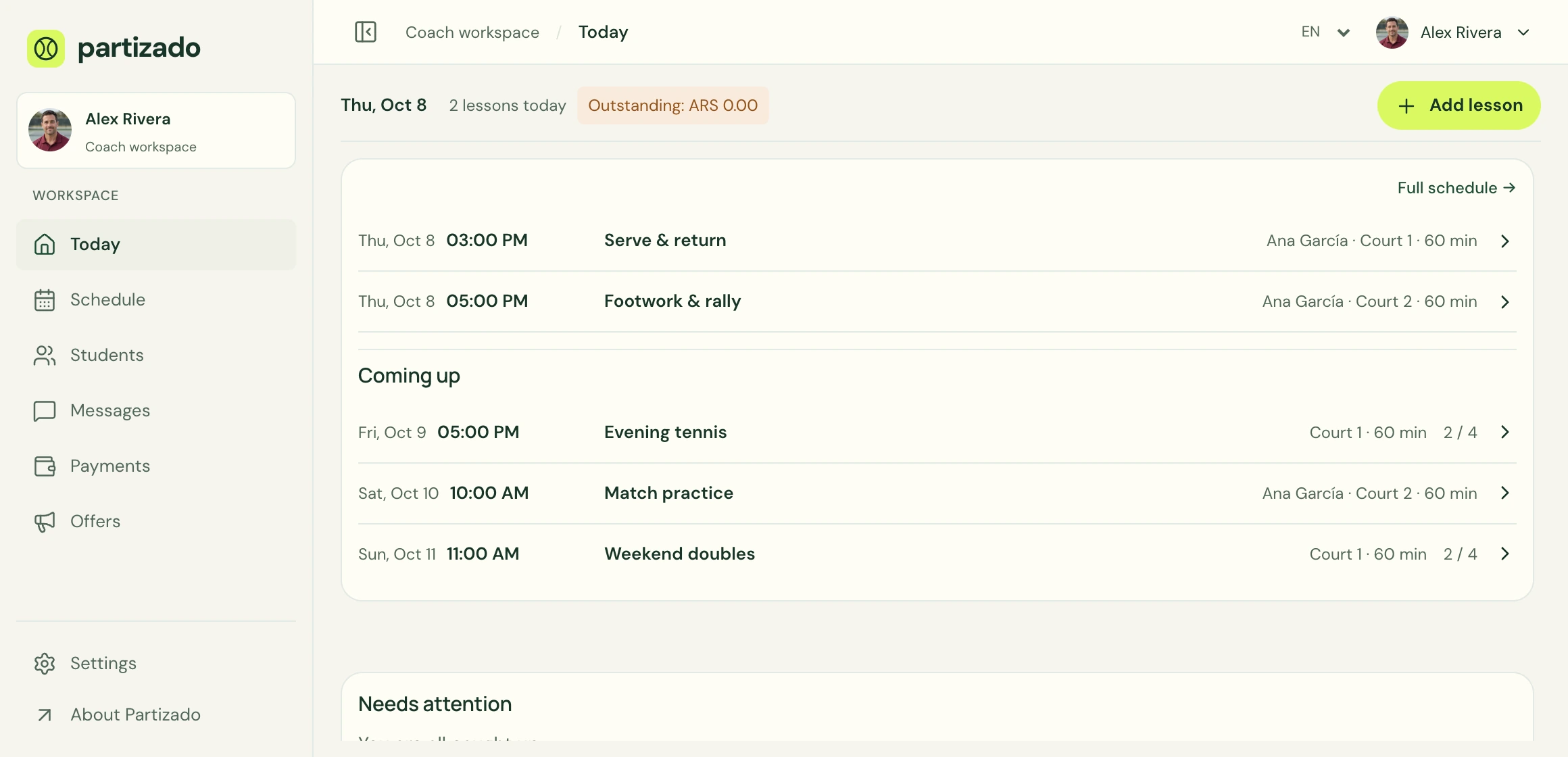
Real interface with sample data. Choose Today or Schedule. Screenshots are in English; the app supports RU, EN and ES.
Try this screenChoose a student, time and court. Private lessons and groups can repeat each week. Try choosing a day and lesson in the example.
Choose a day and a lesson
Try the button: the balance changes from 8 to 7. You set the package name, price and expiry; attendance updates the remaining lessons.
The coach records payments received. Online payments are not available.
Ana García
Invite your student with a link. They see lessons and published coaching notes in their dashboard. Choose Coaching note to see the example.
Skill ratings and NTRP (a tennis playing-level scale) stay in the student’s profile. Choose a skill to see the coaching note.
A consistent second serve: 3 sets of 10 repetitions.
Try the demo. To connect your own lessons, ask your coach for an invitation link.
Sessions appear here when coaches publish available places. In the meantime, explore the player dashboard.
Yes. The demo includes sample students, lessons and packages. Changes to demo data are saved only in your browser.
Create an invitation from the student’s profile and share the link. The player signs in and accepts it. Players can also have an account without a coach.
Partizado currently tracks payments. The coach sets lesson prices and conditions, and records payments received. Online payments and bank-transfer verification are not available.
Choose a session with available places and send a request. The price is shown on the session card. The coach confirms your place; a package is not required for a one-off visit.
The interface is available in Russian, English and Spanish. Coaches set the workspace currency and time zone in settings. Lesson times use that time zone.
Add a student and schedule your first lesson.