Private lessons and groups
Organise individual sessions and group classes. Keep the players, time and court visible in the lesson details.
 partizado
Give private lessons and groups a shared schedule. Set the time, court and students, repeat weekly sessions and open each lesson from your agenda.
Try the demo without signing up. It contains sample data.
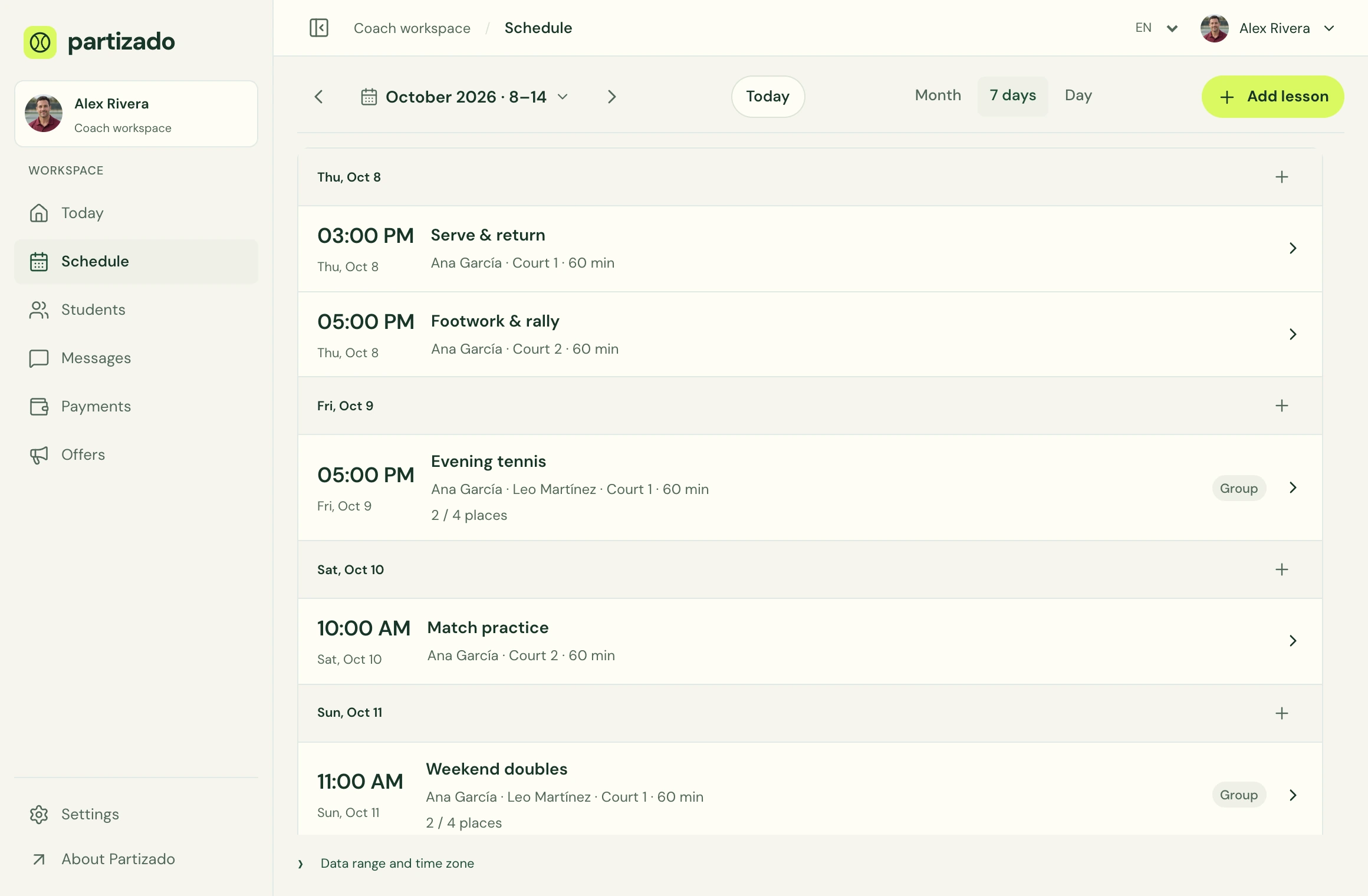
Lesson scheduling
Organise individual sessions and group classes. Keep the players, time and court visible in the lesson details.
Create recurring lessons for a regular coaching schedule. See your day or your month and open the session you need.
Invite students to their dashboard so they can confirm attendance or request a new time. The coach manages the schedule.
Yes. Partizado supports individual lessons and group sessions in the coaching schedule.
Partizado is a coach-managed schedule. Students can confirm participation or request changes; it is not a self-service court booking system.
Yes. Individual and group sessions can repeat each week.
Lessons use the workspace time zone selected by the coach.
Open the demo or add your first student and lesson.